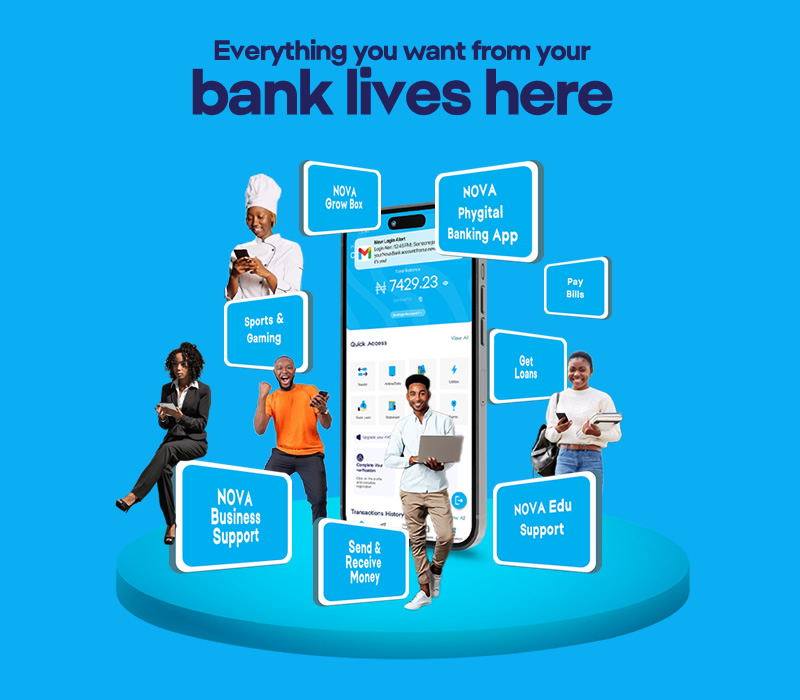
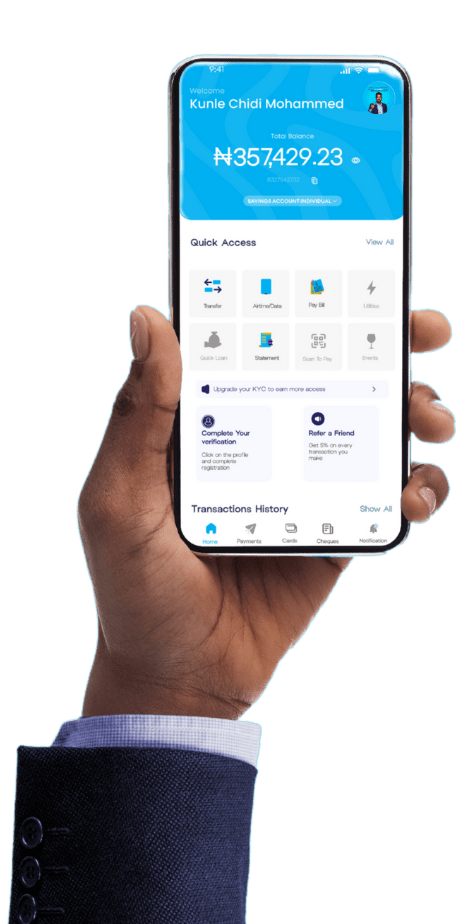
You can download the NOVA Phygital app from the Google Play Store for Android devices or the Apple App Store for iOS devices by searching for “NOVA Phygital”.
Open the app and select “I already Have A NOVA Account ” or “Already have an Account.” Follow the prompts to input personal details, verify your identity, and create your account.
Yes, the app uses industry-standard encryption, PIN, fingerprint/face authentication, and two-factor authentication for security.
Download
Download the NOVA Bank Phygital App to your device below:
Cookie Consent
Please be mindful of fake sites and scams. NOVA Bank will never request your PIN, Token Codes, BVN or ATM Card details online or anywhere else. Whenever in doubt, please contact: Support@novabank.ng or call: 02 01 280 4000 / +234 913 666 6680. To give you the best possible experience, this website uses cookies. By clicking accept all, you consent to all cookies in accordance with our cookies policy.
Functional
Always active
The technical storage or access is strictly necessary for the legitimate purpose of enabling the use of a specific service explicitly requested by the subscriber or user, or for the sole purpose of carrying out the transmission of a communication over an electronic communications network.
Preferences
The technical storage or access is necessary for the legitimate purpose of storing preferences that are not requested by the subscriber or user.
Statistics
The technical storage or access that is used exclusively for statistical purposes.The technical storage or access that is used exclusively for anonymous statistical purposes. Without a subpoena, voluntary compliance on the part of your Internet Service Provider, or additional records from a third party, information stored or retrieved for this purpose alone cannot usually be used to identify you.
Marketing
The technical storage or access is required to create user profiles to send advertising, or to track the user on a website or across several websites for similar marketing purposes.